Just Play

Just Play
Quick setup
Install in 3 easy steps
Get Just Play on your Android device in under a minute — straight from the Google Play Store.
Open Google Play Store
Tap "Install"
Open & Enjoy
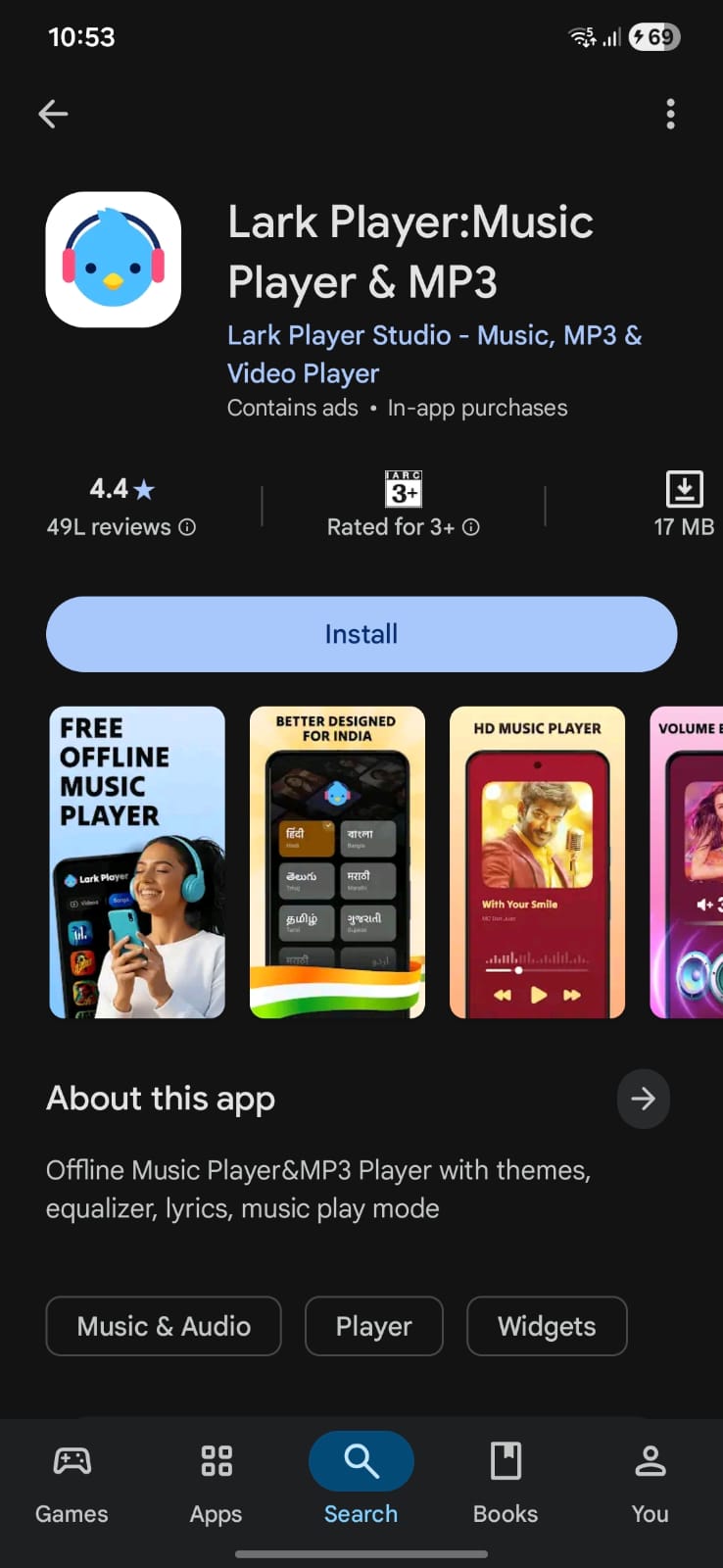
01
Find the app
01
Open Google Play Store
On your Android device, open the Google Play Store app. Tap the search bar at the top and type "Just Play – Video & Music Player".
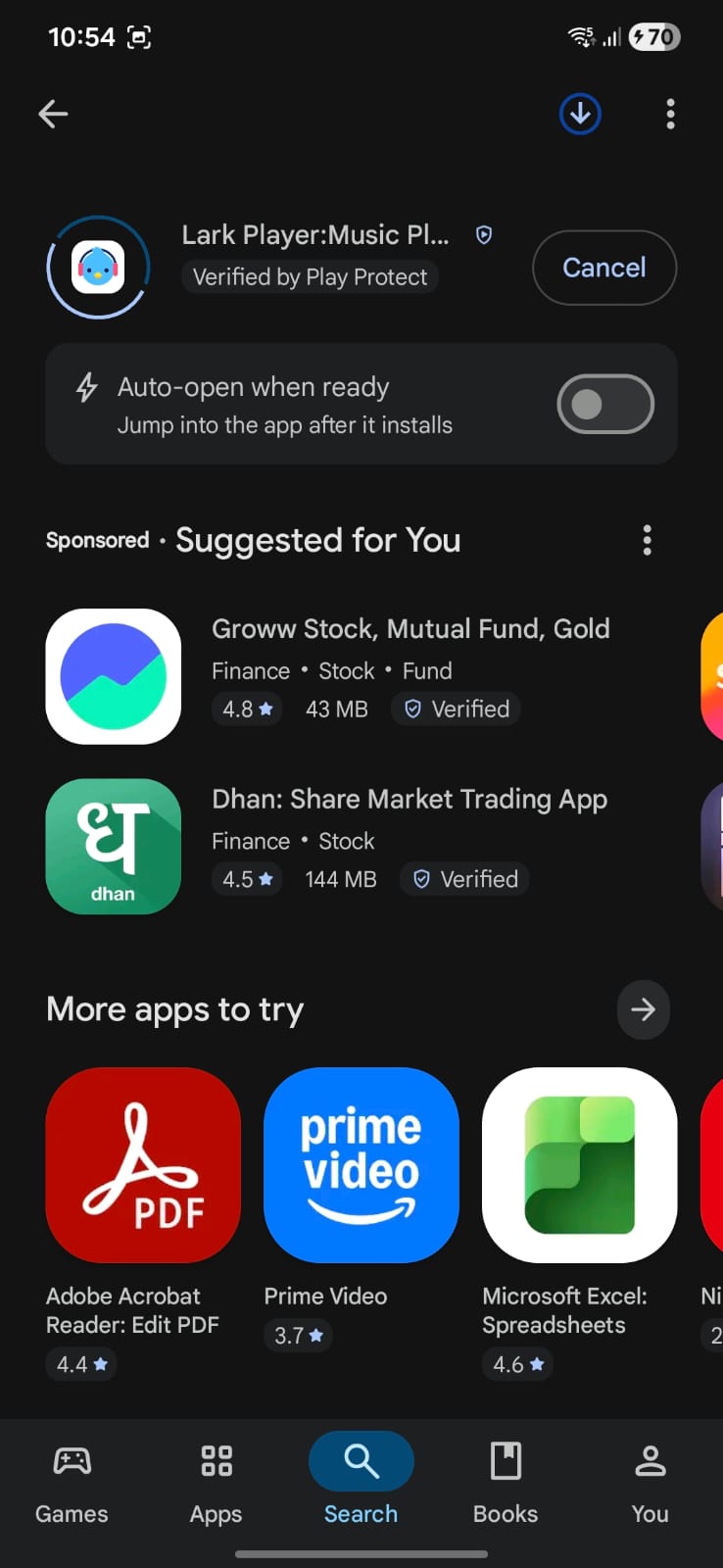
02
One tap install
02
Tap "Install"
Select Just Play from the search results. On the app page, tap the green Install button. The app is completely free — no sign-in required.
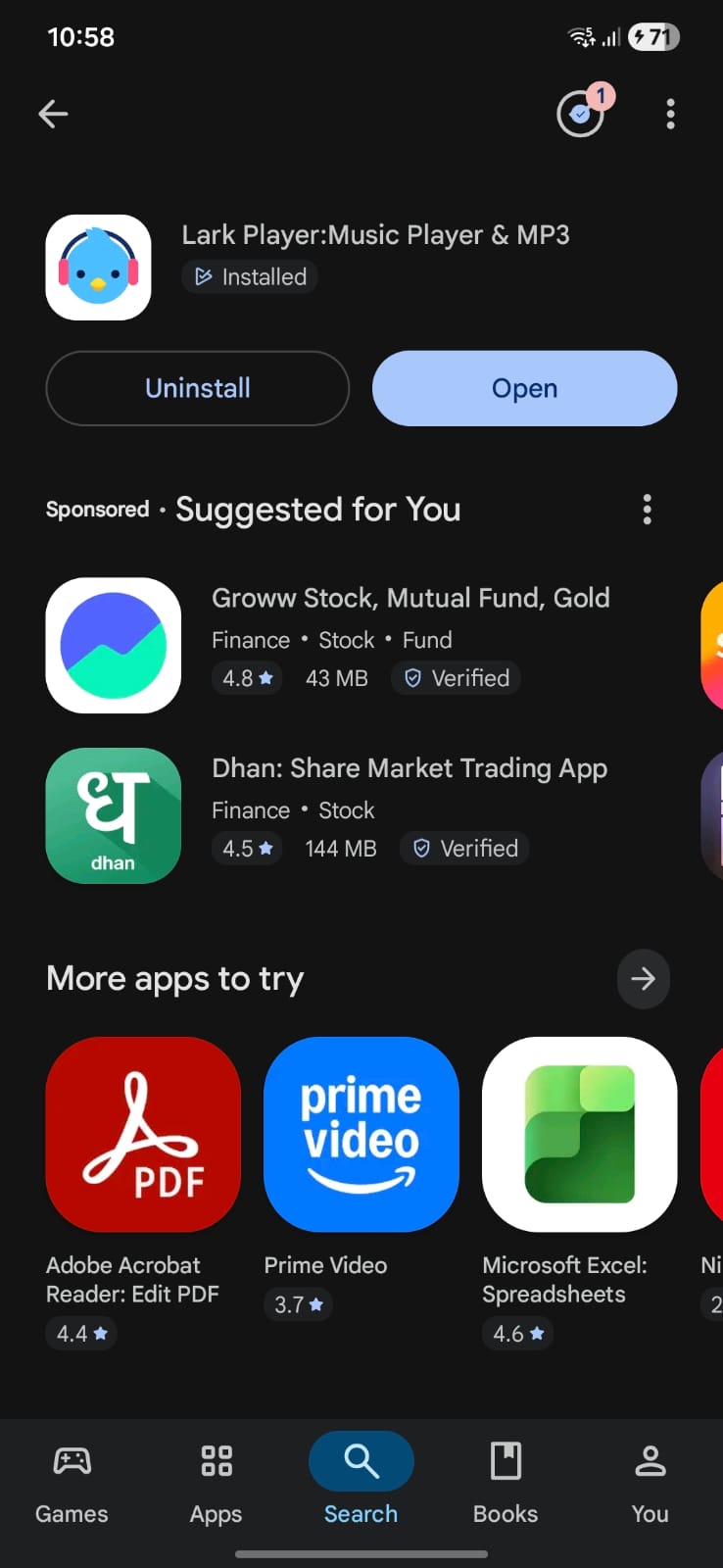
03
Start playing
03
Open & Enjoy
Once installed, tap Open. Just Play will scan your device for media files automatically. Hit play and enjoy your content.
Download Now — Free
Safe, free, and always up to date
Verified on Google Play · No hidden charges · No ads
Android
100% Free
No sign-in