Just Play
Just Play
Free · No subscription
Just Play.
Everything.
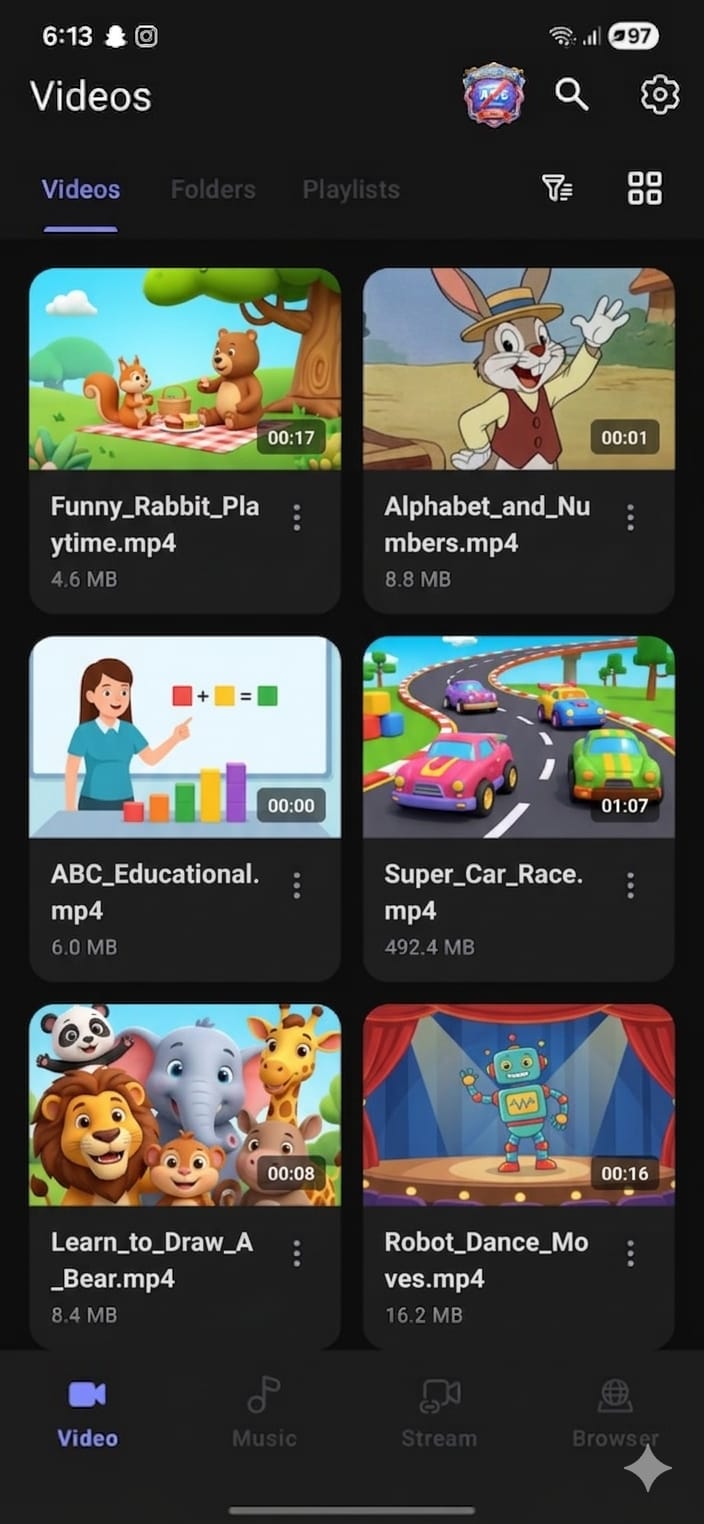
One app for all your media. Videos, music, streaming, and a built-in browser — no limits, no ads, no nonsense.
All formats
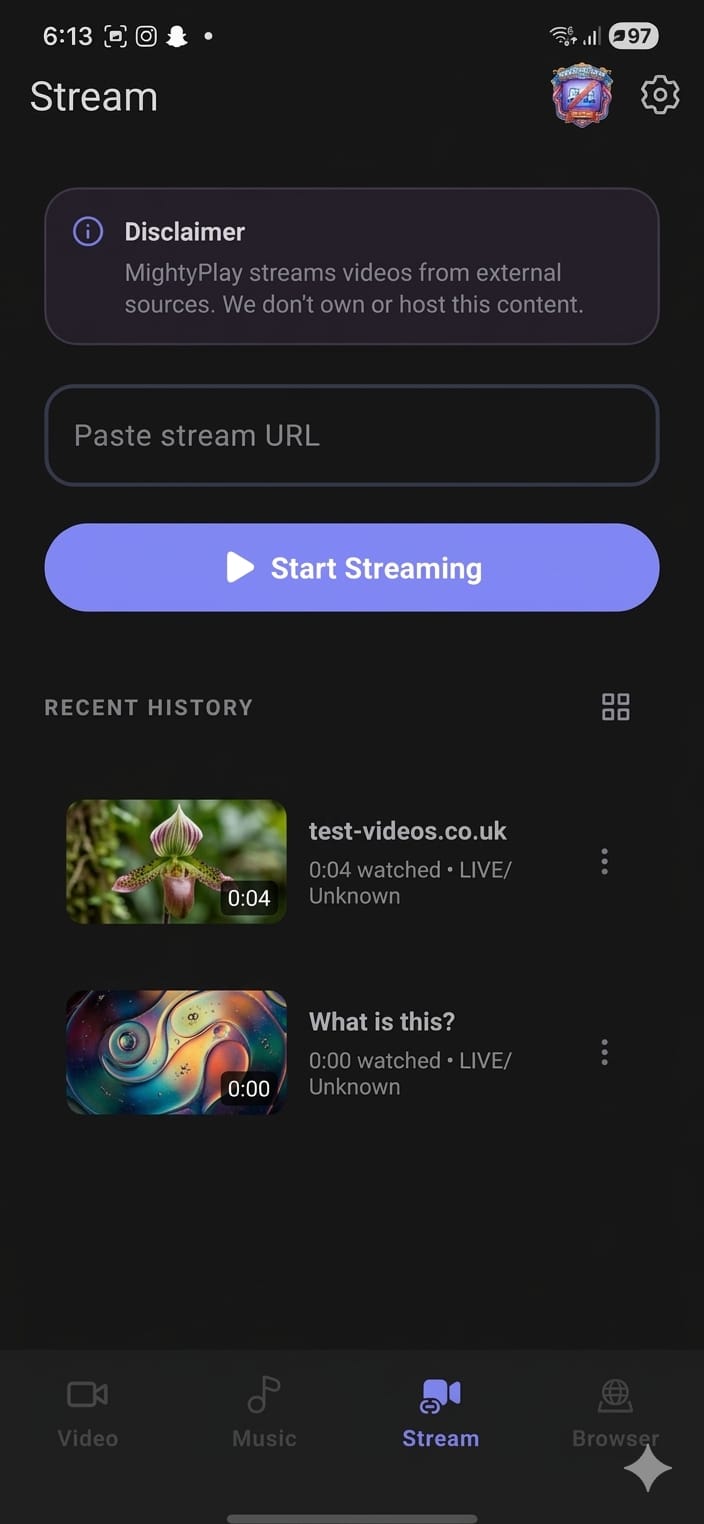
Stream
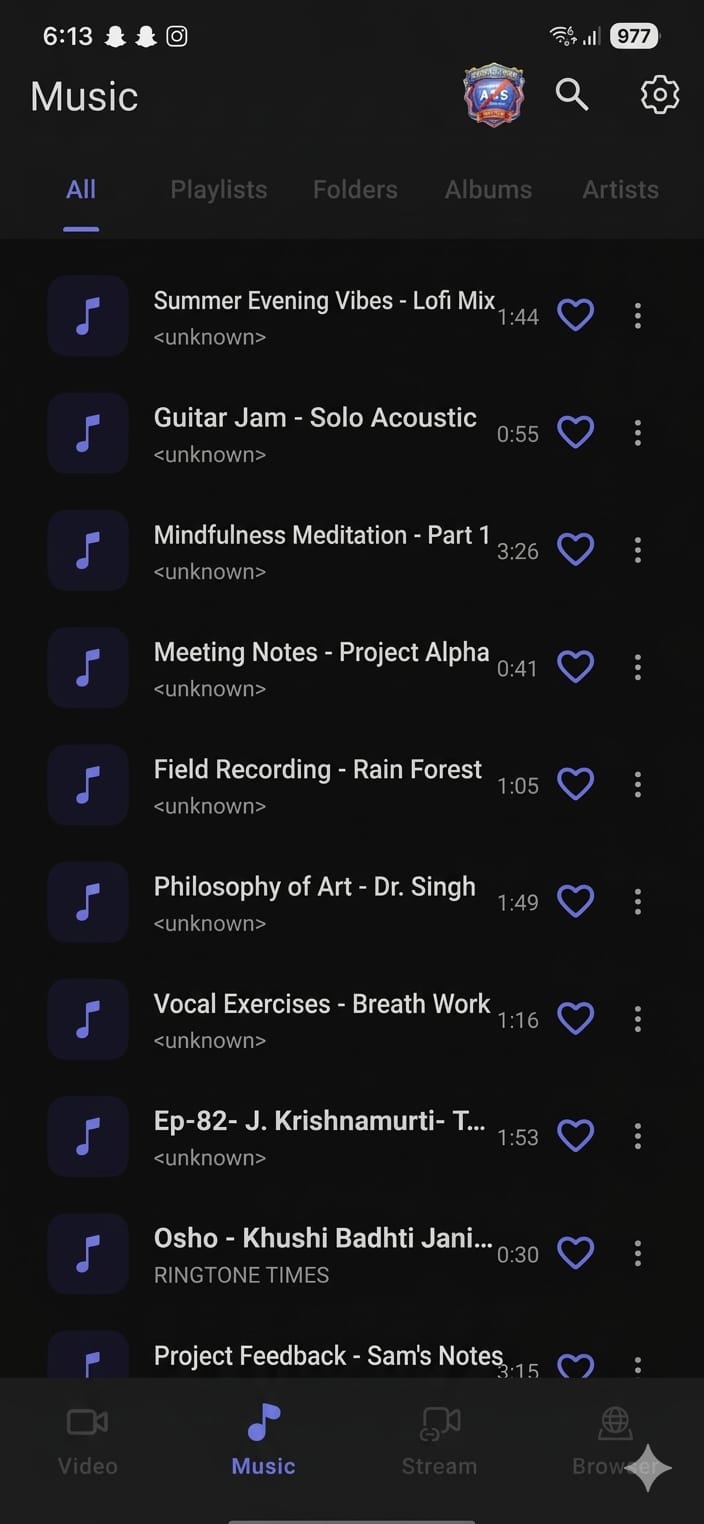
Music player
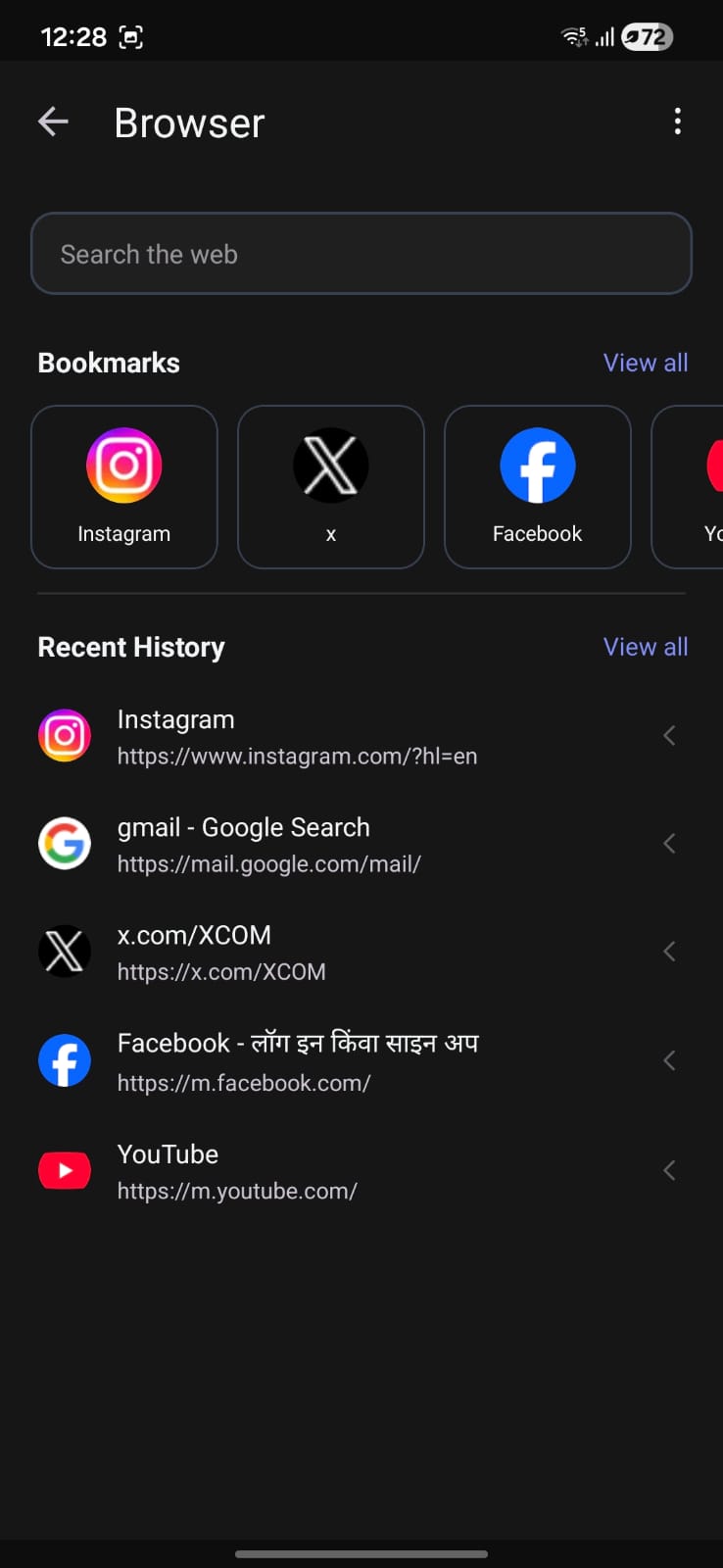
Built-in browser
...
Downloads
...
Rating
...
Reviews
What's inside
Packed with powerful features
Everything you need to play, manage, and enjoy your media — all in one free app.
All Formats Supported
Music: WAV, MP3, AAC, FLAC. Video: 4K, 1080p, MKV, FLV, 3GP, M4V, TS, MPG — play anything without converting.
Auto Manage Local Files
Auto-identify video and audio files on your device, making it easy to sort, browse, and share your media library.
Search Online Videos
Built-in browser and search engine lets you find and stream online HD videos without leaving the app.
Floating & Background Play
Pop out a floating window so you can multitask — chat, browse, or work while your video keeps playing.
MP4 to MP3 Converter
One tap to convert any video to audio. Extract music from videos and enjoy it in the background.
Smart Gesture Control
Swipe to seek, pinch to zoom, double-tap to fast-forward — intuitive gestures for effortless playback control.
100% Free. No hidden charges.
No subscription · No ads · No nonsense
Android
Built-in player
Powerful HD Video Player
Crystal-clear playback with pro-grade controls — all inside one free app.
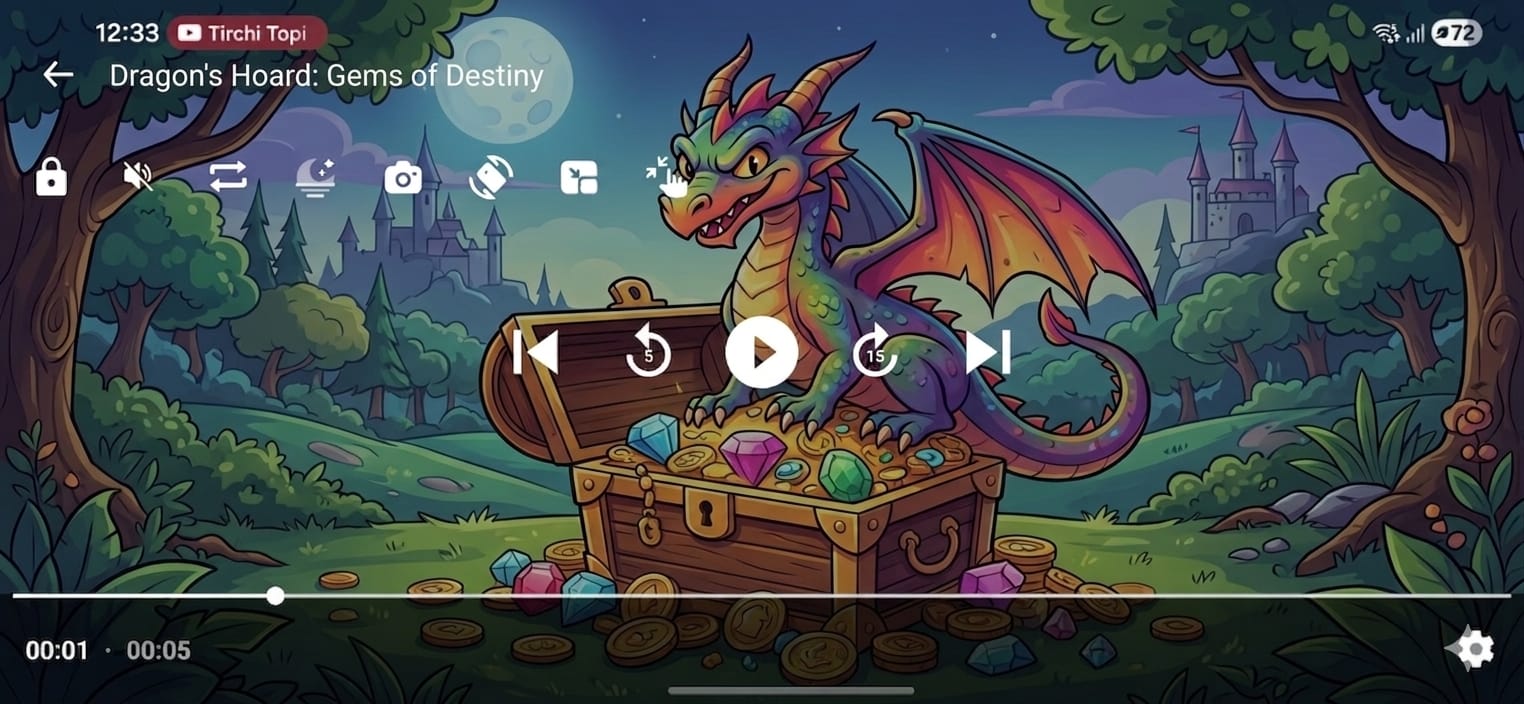
Background play
Floating play
Convert Mp4 to Mp3
Easily adjust playback speed
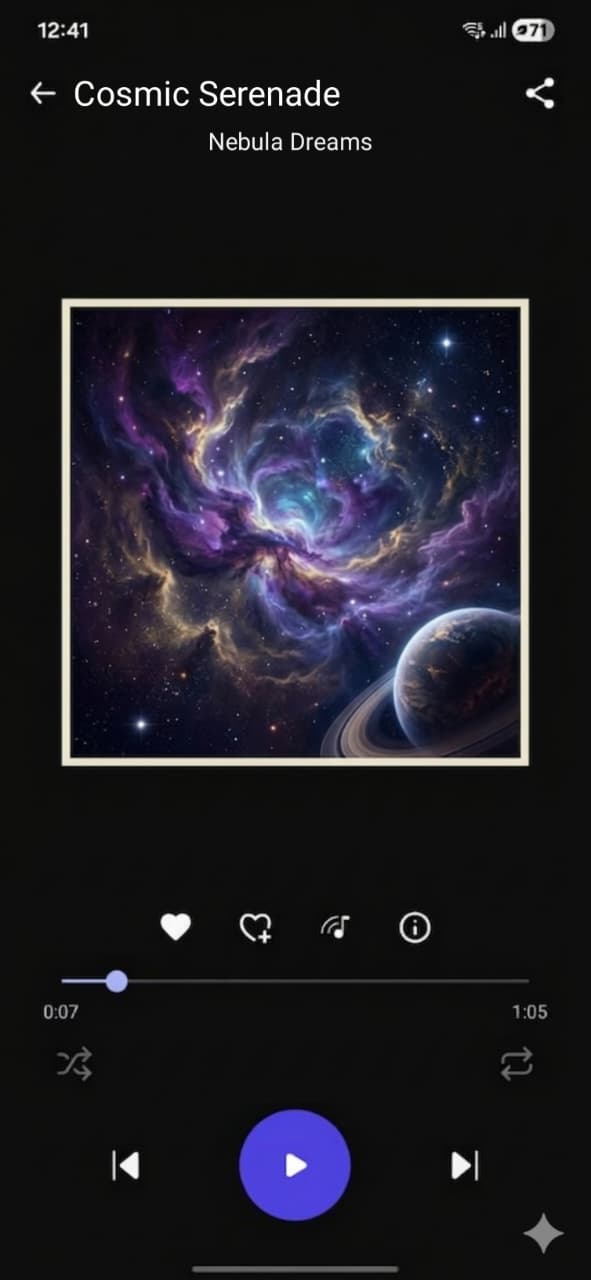
Music experience
Best Music Player
Enjoy your music the way it was meant to be heard — with lyrics, smart controls, and a player that just works.
Locate and manage all music files
Music player with Lyrics support
Intelligent Sleep Timer
Automatically pause playback when your headset is unplugged
User reviews
What our users say
Millions of people love Just Play. Here's what some of them think.
...
/ 5.0 · ... reviews
Arjun Mehta
@arjun_plays
Mar 2025
"Honestly the best media player I've used on Android. Plays every format without any lag. The built-in browser is a game changer — I stopped using three different apps."
Priya Nair
@priya.nair
Feb 2025
"The lyrics sync feature is insane! Finally a music player that keeps up with Tamil and Malayalam songs perfectly. Sleep timer works flawlessly too."
Ravi Shankar
@ravishankar_tech
Jan 2025
"Downloaded it just to try — ended up uninstalling 4 other apps. The floating player is exactly what I needed. Watching YouTube while texting? Done."
Sneha Pillai
@sneha_m
Mar 2025
"100% free and zero ads — I still can't believe it. The MP4 to MP3 converter saved me so much time. Gesture controls feel super natural once you get used to them."
Karthik Balan
@karthik_b
Apr 2025
"Smooth 4K playback on my old phone — didn't expect that at all. The HW decoder option makes a real difference. Minor UI tweaks would make it perfect."
Join 100K+ happy users
Free forever · No ads · No subscription
Google Play
Got questions?
FAQ
Quick answers to the most common questions about Just Play.
01
Why can't some local videos play on other players after downloading?
Just Play uses Smart Mux technology that merges video and audio tracks instantly — no re-encoding, no extra storage. This makes playback lightning-fast on low-end devices. However, videos processed this way are optimised for Just Play's engine and may not be compatible with other players. To play them elsewhere, you can disable Smart Mux in Settings → Playback → Smart Mux before downloading.
02
How do I stream online videos inside Just Play?
Just Play has a built-in browser and search engine. Open the app, tap the Browser tab, and search for any video content online — YouTube, Dailymotion, or any streaming site. You can stream directly inside the app or paste a direct video URL in the address bar for instant playback. No extra app needed.
03
How do I personalise the player — themes, gestures, and controls?
Everything is customisable. Go to Settings → Personalisation to change the player theme, accent colour, and layout. Under Settings → Gesture Control you can remap swipe-to-seek, pinch-to-zoom, double-tap to skip, and brightness/volume drag zones. You can also set default playback speed, subtitle style, decoder type (HW or SW), and sleep timer behaviour — all without leaving the app.
04
My video files are not showing up in the library. What do I do?
Go to Settings → Library → Show Hidden Files and toggle it on, then pull down to refresh the library. Just Play will re-scan all folders including hidden directories, which may take a few seconds. If files are stored on an SD card, make sure Just Play has Storage permission granted in your phone's App Settings. You can also tap the + button to manually add a specific folder.
MP3
4K
1080P
MP4
3GP
WEBM
AVI
MOV
1.25X
FLAC
MKV
AAC
FLV
WAV
2X
MP3
4K
1080P
MP4
3GP
WEBM
AVI
MOV
1.25X
FLAC
MKV
AAC
FLV
WAV
2X
MP3
4K
1080P
MP4
3GP
WEBM
AVI
MOV
1.25X
FLAC
MKV
AAC
FLV
WAV
2X
MP3
4K
1080P
MP4
3GP
WEBM
AVI
MOV
1.25X
FLAC
MKV
AAC
FLV
WAV
2X
MP3
4K
1080P
MP4
3GP
WEBM
AVI
MOV
1.25X
FLAC
MKV
AAC
FLV
WAV
2X
MP3
4K
1080P
MP4
3GP
WEBM
AVI
MOV
1.25X
FLAC
MKV
AAC
FLV
WAV
2X
MP3
4K
1080P
MP4
3GP
WEBM
AVI
MOV
1.25X
FLAC
MKV
AAC
FLV
WAV
2X
MP3
4K
1080P
MP4
3GP
WEBM
AVI
MOV
1.25X
FLAC
MKV
AAC
FLV
WAV
2X
MP3
4K
1080P
MP4
3GP
WEBM
AVI
MOV
1.25X
FLAC
MKV
AAC
FLV
WAV
2X
MP3
4K
1080P
MP4
3GP
WEBM
AVI
MOV
1.25X
FLAC
MKV
AAC
FLV
WAV
2X
MP3
4K
1080P
MP4
3GP
WEBM
AVI
MOV
1.25X
FLAC
MKV
AAC
FLV
WAV
2X
MP3
4K
1080P
MP4
3GP
WEBM
AVI
MOV
1.25X
FLAC
MKV
AAC
FLV
WAV
2X
MP3
4K
1080P
MP4
3GP
WEBM
AVI
MOV
1.25X
FLAC
MKV
AAC
FLV
WAV
2X
MP3
4K
1080P
MP4
3GP
WEBM
AVI
MOV
1.25X
FLAC
MKV
AAC
FLV
WAV
2X
MP3
4K
1080P
MP4
3GP
WEBM
AVI
MOV
1.25X
FLAC
MKV
AAC
FLV
WAV
2X
Download Just Play
Enjoy Your Media. Any Format. Always Free.
GET IT ON
Google Play
100% Free
No Ads
4.5★ Rating